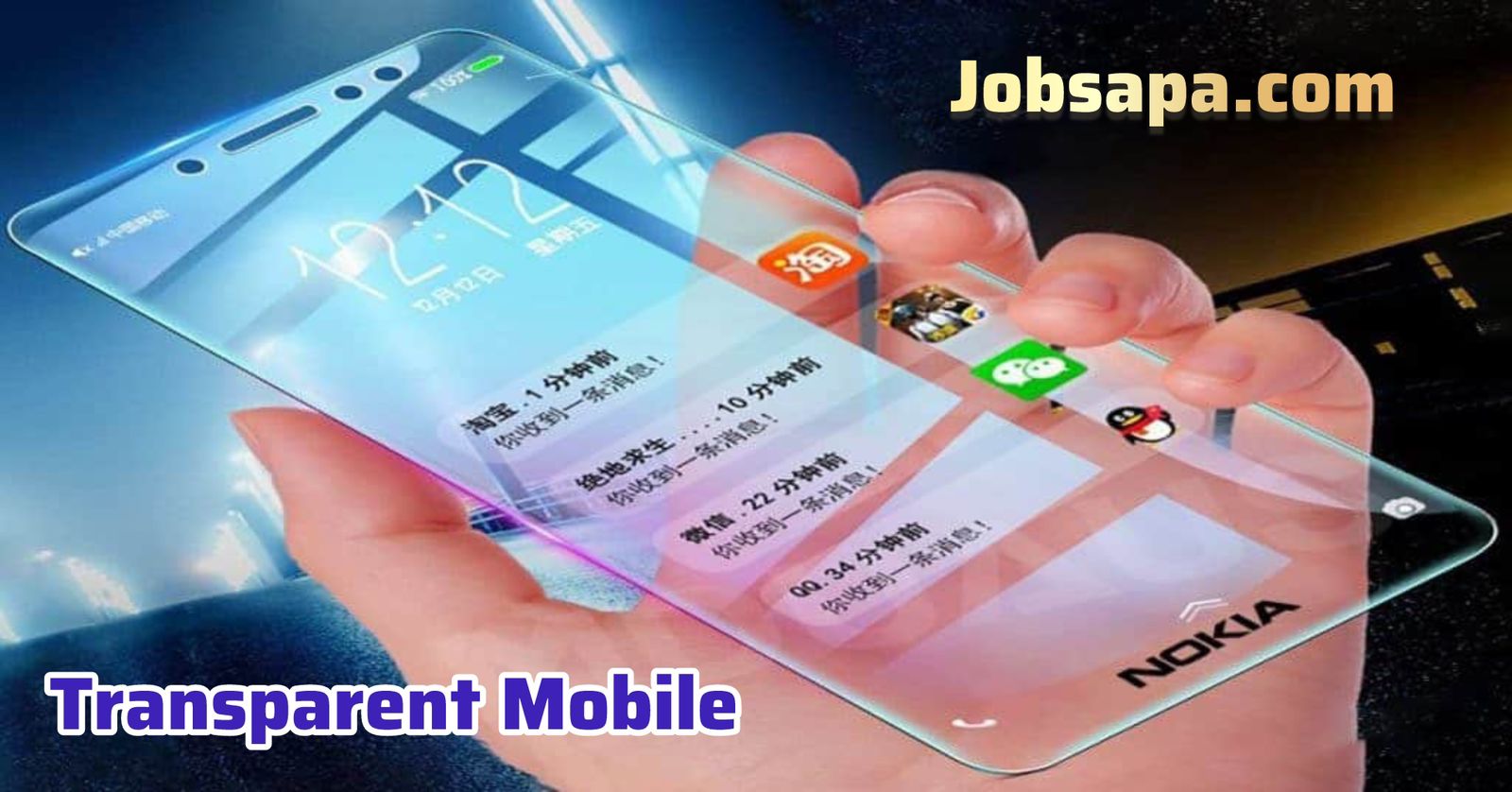
Smartphones have become more than just communication devices—they are now expressions of personal style and creativity. One of the most exciting trends in mobile customization is the idea of a transparent mobile, which gives your phone a futuristic and visually striking appearance. While fully transparent phones like those seen in sci-fi movies don’t truly exist for daily use yet, you can still achieve a convincing transparent look using smart customization techniques. This guide will explain everything step by step.
What Does a Transparent Mobile Mean?
A transparent mobile usually refers to a phone that visually appears see-through. In reality, most phones cannot be physically transparent because of internal components like batteries, processors, and cameras. However, through wallpapers, themes, cases, and apps, users can create an illusion that makes the phone look transparent when viewed from the front or back.

This concept has gained massive popularity on social media, especially in customization and tech-trending communities.
Is It Really Possible to Make a Phone Transparent?
The short answer is no—at least not physically. However, visually transforming your phone into a transparent mobile is absolutely possible. You can simulate transparency by matching your wallpaper with the background behind your phone, using special launcher apps, or installing transparent-style themes.
These methods are safe, reversible, and do not require rooting or technical expertise.
Method 1: Using Transparent Wallpapers
The easiest way to create a transparent effect is by using specially designed wallpapers.
Steps:
-
Take a photo of the background where you usually place your phone, such as a table or desk.
-
Crop the image to match your screen resolution.
-
Set the image as your home screen wallpaper.
-
Hide app labels if possible for a cleaner look.
When done correctly, your phone will blend with the background, giving the illusion of a transparent mobile.
Method 2: Install Transparent Mobile Apps
There are many apps on the Google Play Store and Apple App Store designed specifically to create transparency effects.
Popular features of these apps include:
-
Live camera wallpaper support
-
Transparent app icons
-
Customizable opacity levels
-
Real-time background display
These apps use your phone’s camera to show what’s behind the device, making it appear see-through. This is one of the most popular ways to achieve a transparent mobile look.
Method 3: Use a Transparent Launcher
Launchers control how your home screen looks and behaves. Some advanced launchers allow transparent widgets, icons, and app drawers.
Benefits of using a launcher:
-
Full control over icon size and layout
-
Transparent dock and status bar
-
Smooth animations for futuristic appearance
With the right settings, a launcher can transform a regular phone into a stylish transparent mobile without affecting performance.
Method 4: Transparent Phone Cases
A physical transparent or clear phone case won’t make your screen transparent, but it enhances the overall effect. Clear cases show the internal design or back panel of your phone, which pairs well with transparent wallpapers and themes.
For best results:
-
Choose high-quality anti-yellow cases
-
Avoid bulky designs
-
Match the case style with your transparent theme
Combining a clear case with digital customization completes the transparent mobile illusion.
Method 5: Advanced Customization (For Tech Users)
For users who enjoy deeper customization, advanced options exist:
-
Rooted devices can use system-level transparency mods
-
Custom ROMs may offer transparent UI elements
-
Icon packs designed for transparency effects
These options are not recommended for beginners, as they can void warranties or cause system instability. Still, they offer the most realistic transparent mobile appearance.
Pros and Cons of Transparent Mobile Customization
Advantages:
-
Unique and futuristic look
-
Easy to change or remove
-
No permanent phone modification
-
Great for social media content
Disadvantages:
-
Battery drain if camera wallpaper is used
-
Reduced readability in bright environments
-
Some apps may not support transparent themes
Despite these drawbacks, many users enjoy experimenting with the transparent mobile trend.
Is Transparent Mobile Safe for Daily Use?
Yes, visual transparency customization is completely safe as long as you use trusted apps from official app stores. Avoid apps that ask for unnecessary permissions. Always check reviews and ratings before installation to keep your device secure while enjoying your transparent mobile design.
Final Thoughts
Creating a transparent mobile is more about creativity than hardware. With the right combination of wallpapers, apps, launchers, and accessories, you can give your phone a stunning transparent illusion that stands out from the crowd. Whether you want a futuristic vibe or simply enjoy customizing your device, this trend offers endless possibilities.
As smartphone technology continues to evolve, we may one day see real transparent screens. Until then, these methods are the perfect way to enjoy the transparent experience today. make it